
Backup and disaster recovery that keeps your business working
When a server fails, a laptop is stolen, or ransomware hits, you need a clear plan. We help you protect critical data and recover without panic.

Customer reviews
4.9★ Google Rating
Based on Google Reviews
90-Day Satisfaction Guarantee
TekProtect Agreements
Risk-free Service Commitment
Free Cybersecurity Test
Online Security Assessment
Available on tekmanagement.com
Best of Southern Oregon
Industry Recognition
Plus other local awards
If you are not satisfied at the end of 90 days of a TekProtect Agreement, Tekmanagement states it will refund 100% of monthly fixed fees and cancel the agreement.

What This Service Covers
Backup is the safe copy of your important business data. Disaster recovery is the step-by-step plan to restore that data and keep working after a problem, such as a cyber attack, system failure, or physical damage to your office.
Tekmanagement focuses on the situations that cause the most stress for business owners: ransomware, lost or stolen devices, accidental deletions, failing servers, and everyday mistakes that can take down a busy office.
Backup & Disaster Recover Services
Automated Backups
Backups run automatically with minimal manual work, so protection does not depend on reminders or luck.
Proof the Backup Worked
Automated testing can provide screenshots so you can verify backups are recoverable, not just stored.
Copies in Multiple Places
Image-based backups can be saved in multiple locations, including local and secure data centers, for redundancy.
Fast Recovery Options
Depending on your setup, downtime can be reduced to hours, minutes, or even seconds, including the ability to start a virtual copy quickly.
Strong Encryption
Backups can be protected with strong encryption during transfer and storage to help keep sensitive data private.
People You Can Reach
Local help desk support is part of TekProtect plans, and most plans include 24/7 support.
How It Works
We keep the process simple. You do not need to learn backup software. We set it up, test it, and keep an eye on it so you can focus on customers.
Step 1: Identify what matters
- We list the systems and files you cannot afford to lose and decide what needs to come back first.
Step 2: Set up automatic backups
- Backups run on a schedule with multiple copies for safety, including off-site options when appropriate.
Step 3: Test restores
- We confirm your backups can be restored and keep verification records, including automated tests with screenshots.
Step 4: Monitor and improve
- We watch for failures, storage issues, and gaps so problems are fixed before they become emergencies.
Step 5: Recover with guidance
- If an incident happens, we restore what you need and help your team get back to normal as quickly as practical.

What You Get

Benefits
Backup Features You Can Verify
Included Support
Why Backup & Disaster Recovery Matters

More Secure
Stronger protection against data loss and ransomware
Backup is not just storing files—it is making sure your business can recover when something goes wrong. Tekmanagement protects your data with multiple backup locations, encrypted storage, and tested recovery so incidents do not become business-ending events.
More Efficient
Automated backups that reduce manual work
Backups should run automatically without relying on someone to remember a task. Tekmanagement sets up consistent, monitored backups with clear reporting so you always know your data is protected.
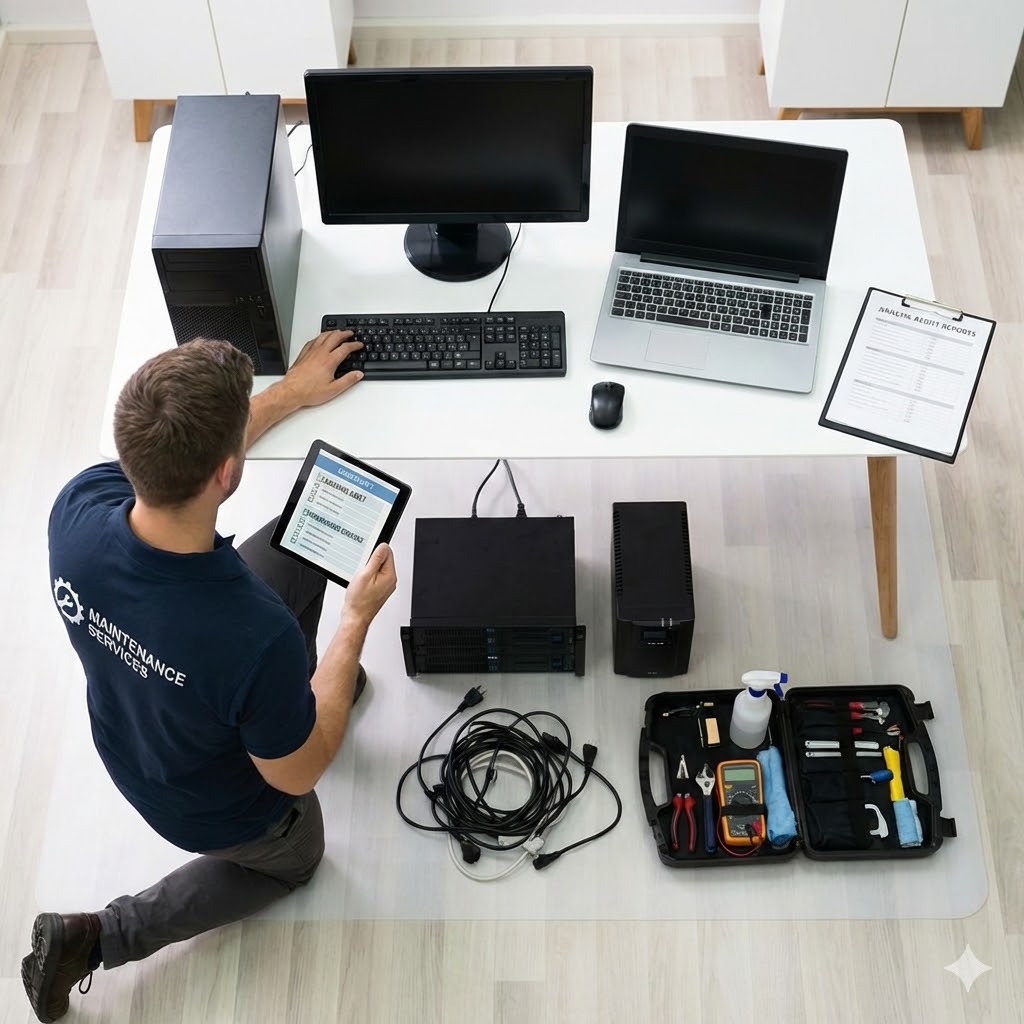

More Productive
Keep your team working during disruptions
When systems fail, productivity drops quickly. A structured recovery plan restores the most important systems first so your team can continue serving customers with minimal downtime.
More Profitable
Reduce downtime and unexpected IT costs
Even small technology failures can lead to lost revenue and expensive emergency fixes. Reliable backup and recovery helps your business avoid costly disruptions and stay focused on growth.

Frequently Asked Questions
What is backup and disaster recovery?
Backup is a safe copy of your important data. Disaster recovery is the plan to restore it and keep working after a problem.
How fast can we get back to work?
With the right setup, recovery can be hours, minutes, or even seconds. We set a realistic target for your business.
How does it help with ransomware?
Offline, encrypted backups that are tested let you restore clean data after an attack, instead of guessing or paying a ransom.

Why does my small business need it?
Because one bad day can stop billing, scheduling, and customer service. A plan limits downtime and stress.
Does cloud storage mean we're protected?
Not always. Microsoft uses a shared responsibility model. The cloud provider keeps the service available, while customers are responsible for their data management and protection.
What happens if my server or computers fail?
We restore what you need from the most recent clean backup, verify it works, and bring your most important tools back first.